Financial clarity for your AI
Know exactly where every AI dollar goes.
Track AI spend by project, developer, model and provider without storing prompts or responses.
npx tokmetry initYour first step.
- Prompts and responses never stored
- Fail-open SDK: never breaks your app
- OpenAI, Anthropic, Gemini and more
- Free plan, no credit card
AI spend this month
$3,069.30
+18% vs last month
929.5M tokens this month
By model
- claude-opus-5-5$1,412
- gpt-6-astra$951
- gemini-3.8-flash$430
- gpt-5.6-sol$276
By project
- support-bot$1,688
- search-api$902
- internal-tools$479
Monthly budget
$3,069 / $4,000
Works with the providers and tools you already use
- OpenAI
- Anthropic
- Google Gemini
- + Ollama and any OpenAI-compatible API
01 / VISIBILITY
Everything you need to understand your AI bill
Cost visibility
See AI spend in dollars first and tokens second: today, this month and against last month, priced with versioned provider prices.
Privacy by design
Only technical and financial metadata leaves your app. Prompts, responses and provider API keys never do.
Projects
Every project gets its own API key, so spend is attributed to the product that caused it.
Developers
Break down development spend by developer to find out who is running the expensive experiments.
Budget alerts
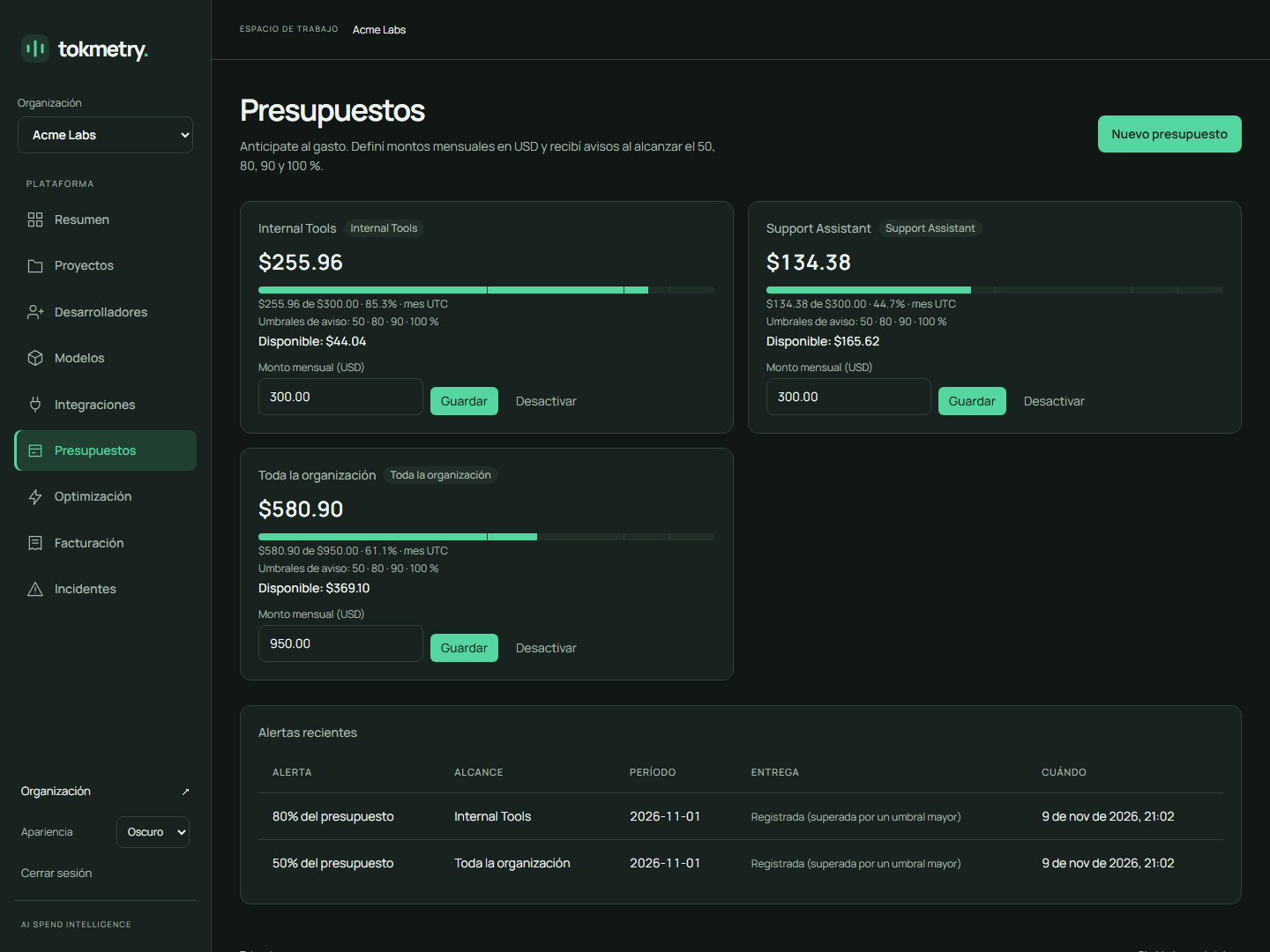
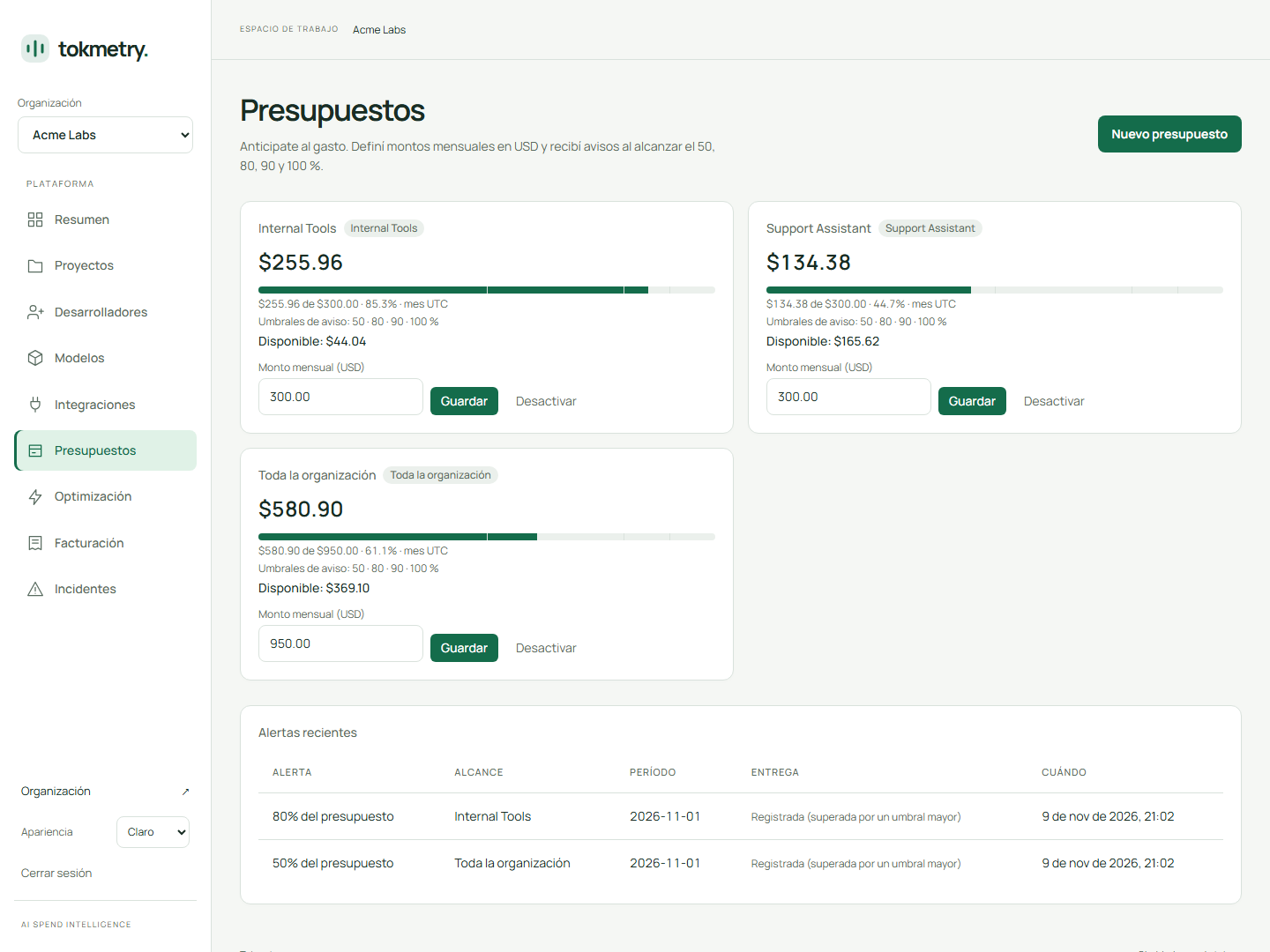
Set monthly budgets per organization or project and get alerted as spend crosses your thresholds.
Waste detection
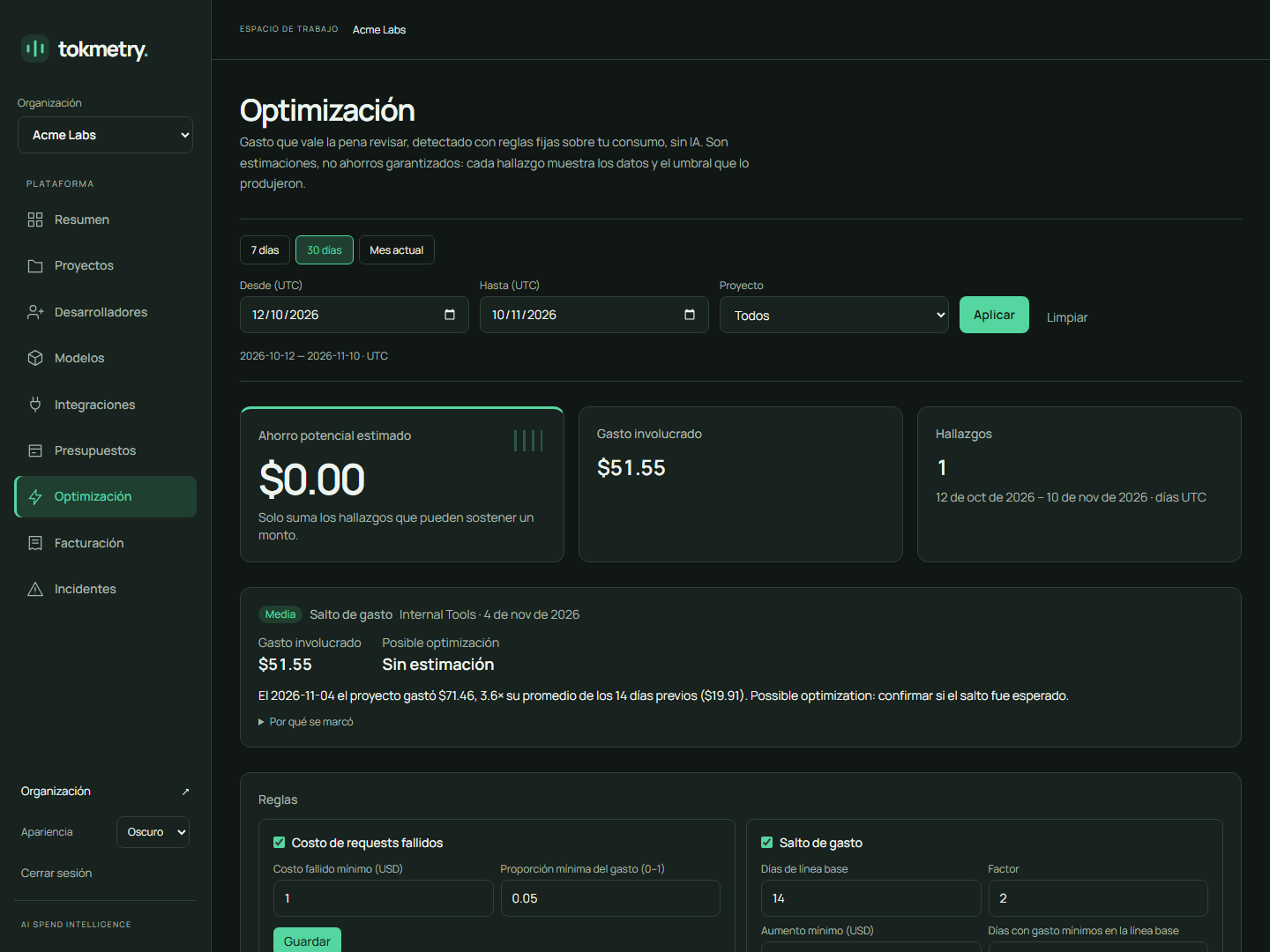
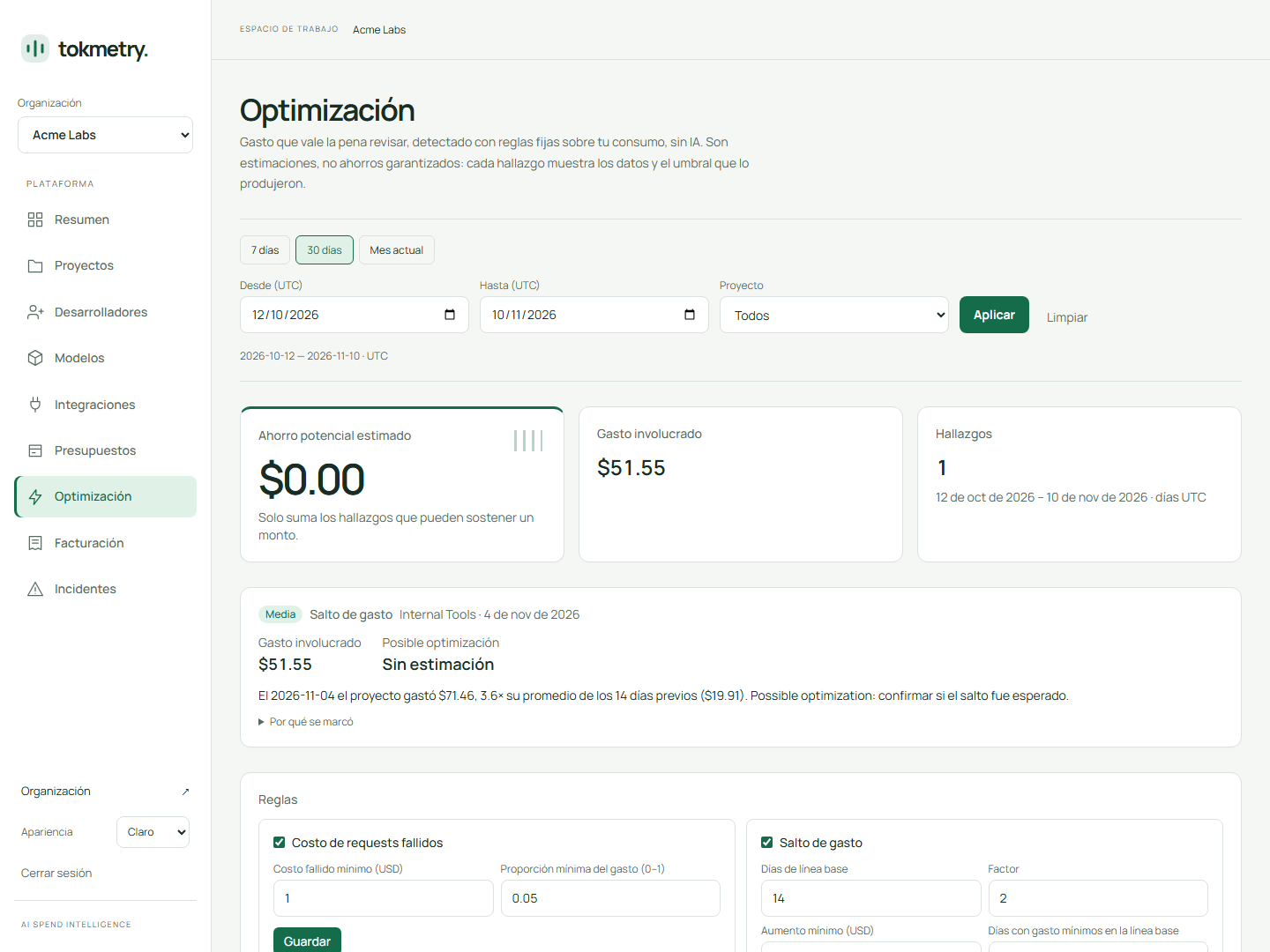
Spot spend spikes, failed requests you still paid for, abnormally expensive calls and spend concentrated on premium models, with an estimate of what you could save.
Multi-provider
OpenAI, Anthropic, Gemini, Ollama and any OpenAI-compatible API in a single view, normalized to the same usage schema.
02 / THE PRODUCT
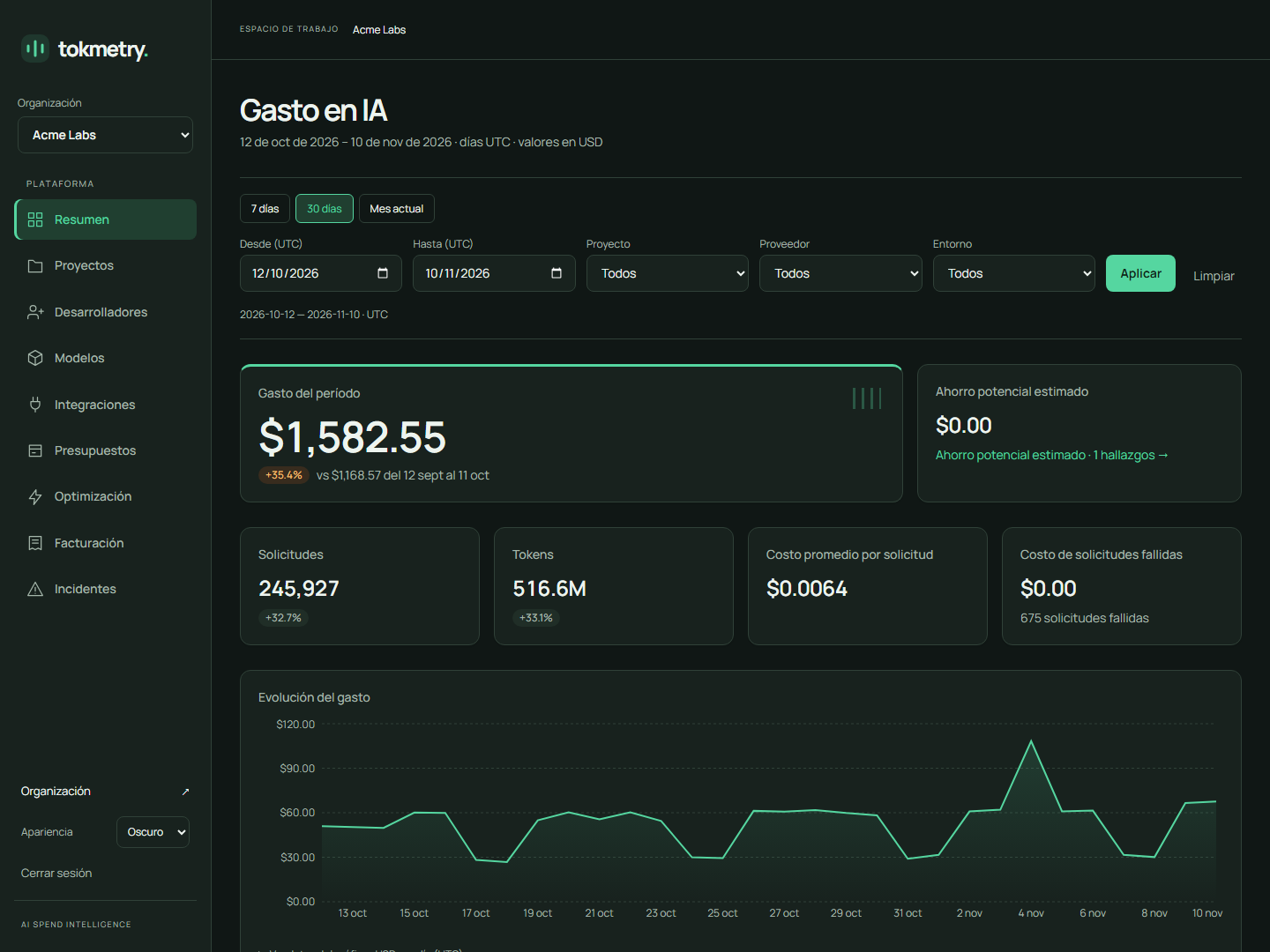
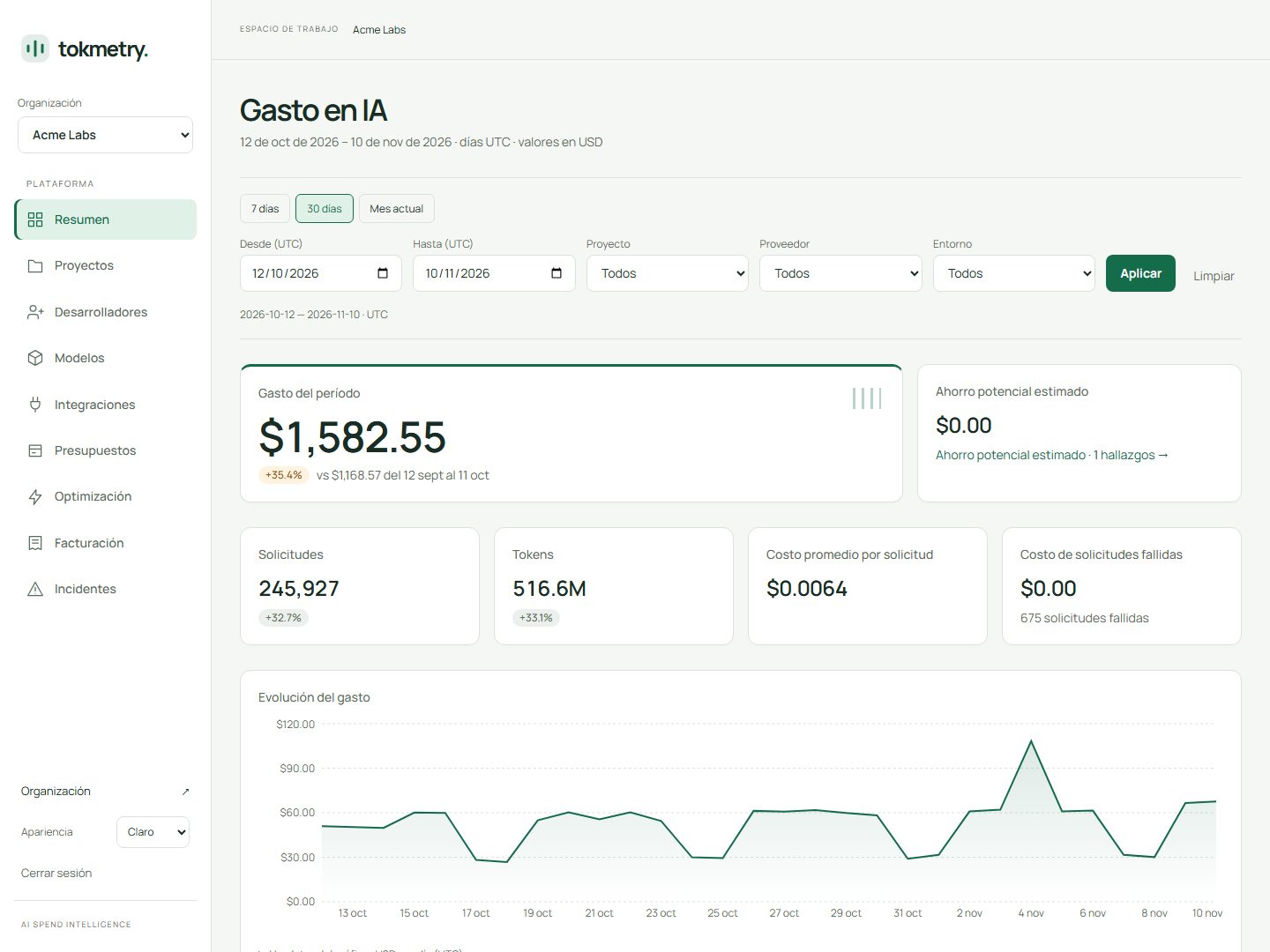
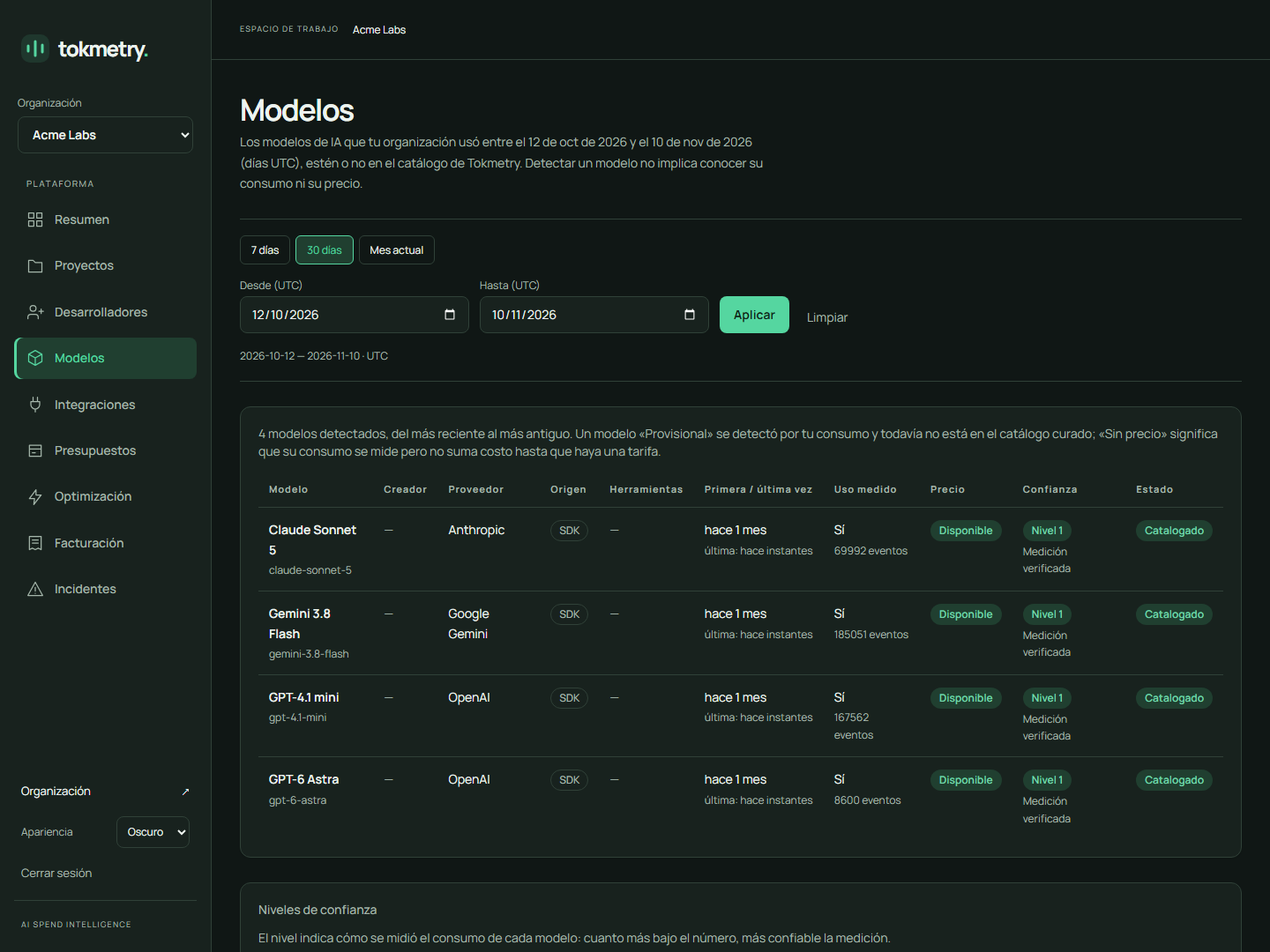
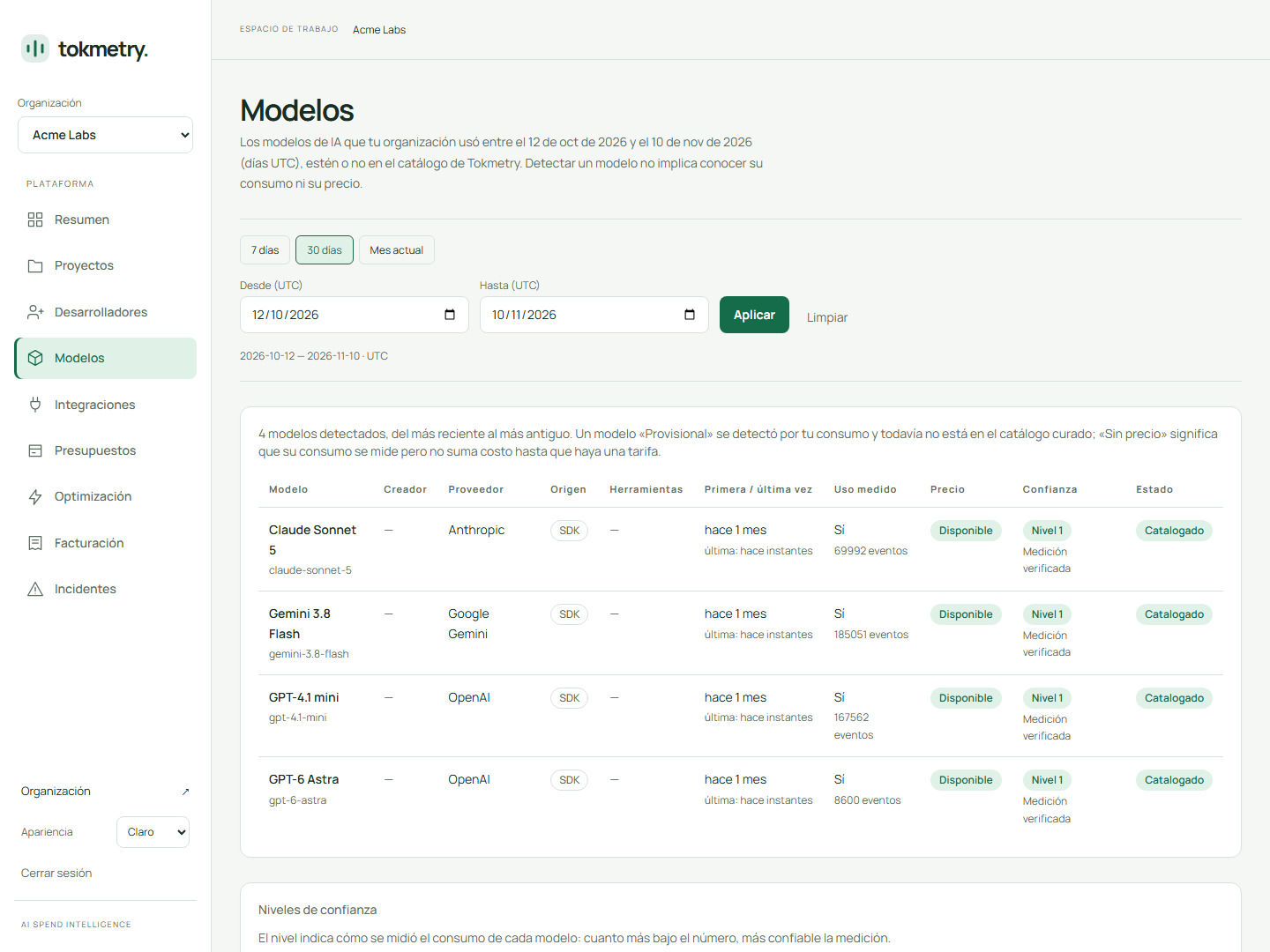
The real dashboard, not a mockup
A month of spend across three projects and four models: total for the period, change against the previous one, requests, tokens and spend per day.
How much will your AI cost?
Pick a model and your volume. The estimate uses the same list prices Tokmetry uses to price your real usage.
$276.00
per month
- per day
- $9.20
- per 1,000 requests
- $4.60
The same volume on cheaper models
Cheaper is not always equivalent: quality, context window and features change between models.
Estimate with list prices and a 30-day month, before taxes. It is calculated in your browser: nothing is sent.
From install to first dollar tracked in minutes
No proxy, no gateway, no rewrite. Wrap the client you already have and keep calling it the same way.
Step 1: Install
Run the CLI in your project. It signs you in, picks the project and writes the config.
Step 2: Wrap your client
One line around your existing OpenAI, Anthropic or Gemini client. Your calls do not change.
Step 3: See your spend
Usage is sent in batches in the background and shows up in your dashboard within minutes.
npx tokmetry initimport OpenAI from "openai";
import { wrapOpenAI } from "@tokmetry/sdk/openai";
const openai = wrapOpenAI(new OpenAI());
const completion = await openai.chat.completions.create({
model: "gpt-4.1-mini",
messages: [{ role: "user", content: "Hello" }],
});In your dashboard (example)gpt-4.1-mini · 1,240 in · 310 out · 812 ms · $0.00099
import Anthropic from "@anthropic-ai/sdk";
import { wrapAnthropic } from "@tokmetry/sdk/anthropic";

const anthropic = wrapAnthropic(new Anthropic());

const message = await anthropic.messages.create({
  model: "claude-sonnet-5",
  max_tokens: 1024,
  messages: [{ role: "user", content: "Hello" }],
});
In your dashboard (example)claude-sonnet-5 · 1,240 in · 310 out · 1,140 ms · $0.00558
import { GoogleGenAI } from "@google/genai";
import { wrapGemini } from "@tokmetry/sdk/gemini";

const ai = wrapGemini(new GoogleGenAI({}));

const response = await ai.models.generateContent({
  model: "gemini-3.5-flash",
  contents: "Hello",
});
In your dashboard (example)gemini-3.5-flash · 1,240 in · 310 out · 690 ms · $0.00465
03 / INTEGRATIONS
However your AI usage happens, it reaches the same dashboard
Your code, your developers' tools and your gateways send the same usage metadata. Pick one or combine them.
SDK for Node.js and TypeScript
Wrap your OpenAI, Anthropic, Gemini or Ollama client, or any OpenAI-compatible API such as DeepSeek, Groq, OpenRouter, Together, xAI or Mistral.
npm install @tokmetry/sdkClaude Code
The CLI detects it on your machine, with your consent, and gives you the OpenTelemetry settings to send its usage. Metadata only.
npx tokmetry initOpenTelemetry
Point any tool or gateway that already exports OTLP over HTTP to Tokmetry, authenticated with your project key.
OTEL_EXPORTER_OTLP_ENDPOINT=<api>/v1/otlpREST API
Any language: send batches of usage events with a unique id each, so a retry never counts twice.
POST /v1/usage/batchMCP server
Ask Claude, Cursor or any MCP client how much you spent and on what. Read-only, with your own permissions.
npx -y @tokmetry/mcp
04 / PRIVATE BY DESIGN
We measure what your AI calls cost, not what they say
The SDK reads the usage numbers your provider already returns and sends only those.
We collect
- Usage metadata
- Token counts
- Costs
- Model and provider
- Developer attribution
- Technical metrics
- Contact details for a promo code
We never collect
- Prompts
- AI responses
- Provider API keys
- Your source code
Start free, grow when your team does
Every account starts on Free with every feature included. Paid plans add developers, projects and longer event history.
Free
$0 / month
- 1 developer
- 1 project
- 7-day event history
- No monthly event cap
Starter
$10 / month
- 3 developers
- 2 projects
- 30-day event history
- No monthly event cap
- Most popular
Team
$50 / month
- 10 developers
- 5 projects
- 90-day event history
- No monthly event cap
Frequently asked questions
Can Tokmetry see my prompts or my users' data?
No. The SDK only reads the usage block your provider returns (model, token counts, status, latency). Requests and responses are passed straight through and never sent to us.
What happens if the Tokmetry API is down?
Nothing, for your app. The SDK is fail-open: your AI calls work exactly as before and usage data is dropped silently instead of slowing you down.
Does it add latency to my AI calls?
No extra request per call. Events are buffered in memory and flushed in batches in the background, by count, by interval and on process exit.
How is the cost calculated?
From the provider's official usage payload, priced with versioned price rows. Historical prices are never overwritten, so last month's cost stays reproducible.
Which providers are supported?
OpenAI, Anthropic, Gemini and Ollama, plus any OpenAI-compatible API (DeepSeek, Groq, OpenRouter, Together, xAI, Mistral), in Node.js and TypeScript, including streaming. Other languages can use the REST API or OpenTelemetry.
Can I track Claude Code usage?
Yes. npx tokmetry init detects it, asks for your consent and gives you the OpenTelemetry settings so it sends its usage metadata. Prompts, code and conversations never leave your machine.
Can I ask an AI assistant about my spend?
Yes, with the Tokmetry MCP server (npx -y @tokmetry/mcp). It is read-only and uses your own session, so it only sees the organizations you belong to.
Want the technical detail? Read the docs →
Stop guessing your AI bill
Install in minutes. Free to start, no credit card.
Or start from your terminal
npx tokmetry init